
hello friends ,
Are you bored in using the default layout any styles of termux? Then you can use a strong package, cool package which give a style to termux app in the way you want. For this just you just need to install a package Named, termux-style .
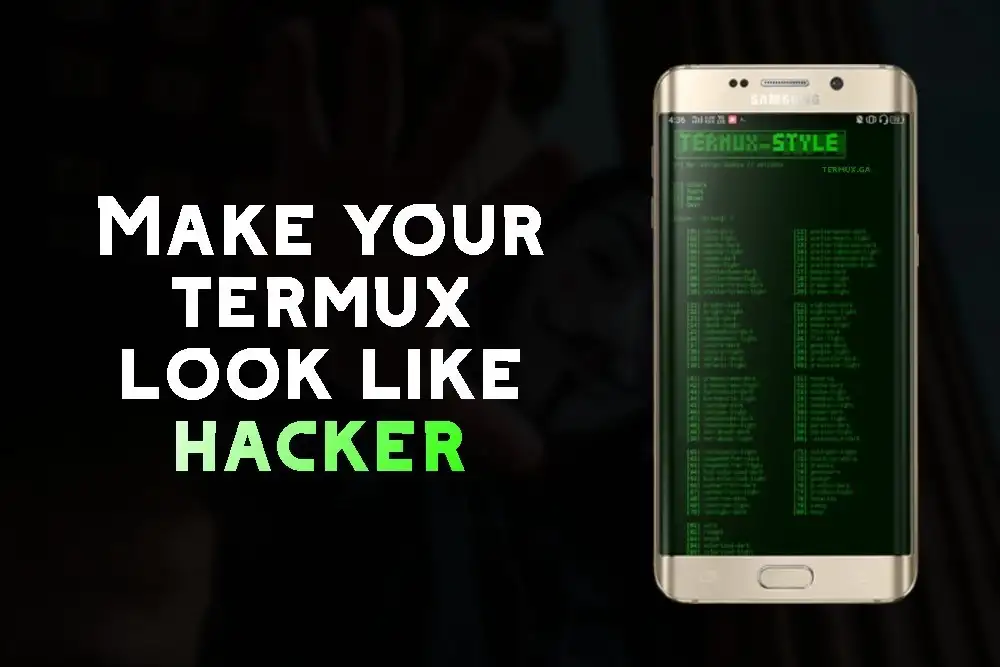
So follow the steps what I told and you are getting a mind blowing, hacker looking, feeling. Termux app with your Android phone without any root.
So let's get's started...
Which package we are going to use ?
To change the theme of Termux, you can use the termux-style command. Here's how you can use it:
Step 1 : Open Termux and enter the following command:
pkg install termux-style
termux-style -S dracula
This will change the colors of the terminal to the Dracula theme.
Step 3 : If you want to see a list of available themes, you can use the -l flag:
termux-style -l
This will display a list of all the available themes that you can use with the termux-style command.
To revert back to the default theme, use the following command:
termux-style -r
This will reset the terminal colors to the default theme.
Conclusion
I hope you like this post, show your love, keep reading keep sharing.
Thank you